https://drive.google.com/uc?id=1zM89kPyXG8tPEBsvnGCDC81oL12AZ66E
Continue Reading
https://drive.google.com/uc?id=1zM89kPyXG8tPEBsvnGCDC81oL12AZ66E
Continue Reading
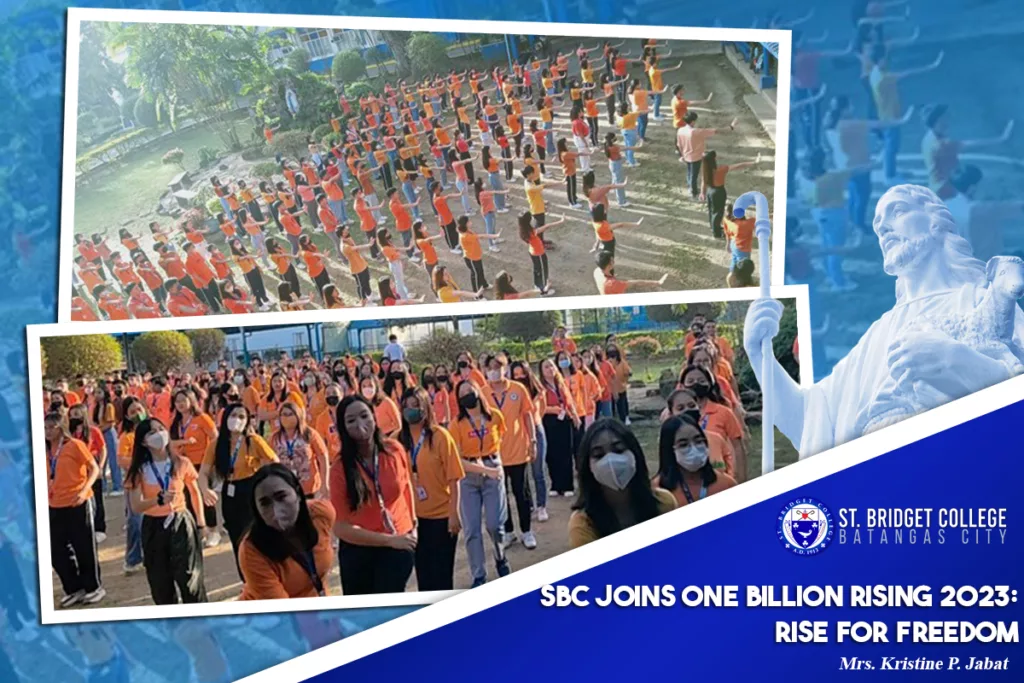
United with the World to End Violence against Women Answering the call to action against violence against women, gender diverse person, girls and the planet, the whole community of St. Bridget College joined the world in striking, dancing, and rising to end violence against women and children, February 14. The mob dance activity started with a liturgy, imploring God to fill the hearts of everyone with the fire of His Love and the desire to ensure justice is served to all brothers and sisters and secure equality for every human being. After the prayer, ‘One Billion Rising’ was reintroduced, emphasizing that it is the biggest mass action to end violence… Read More
Continue Reading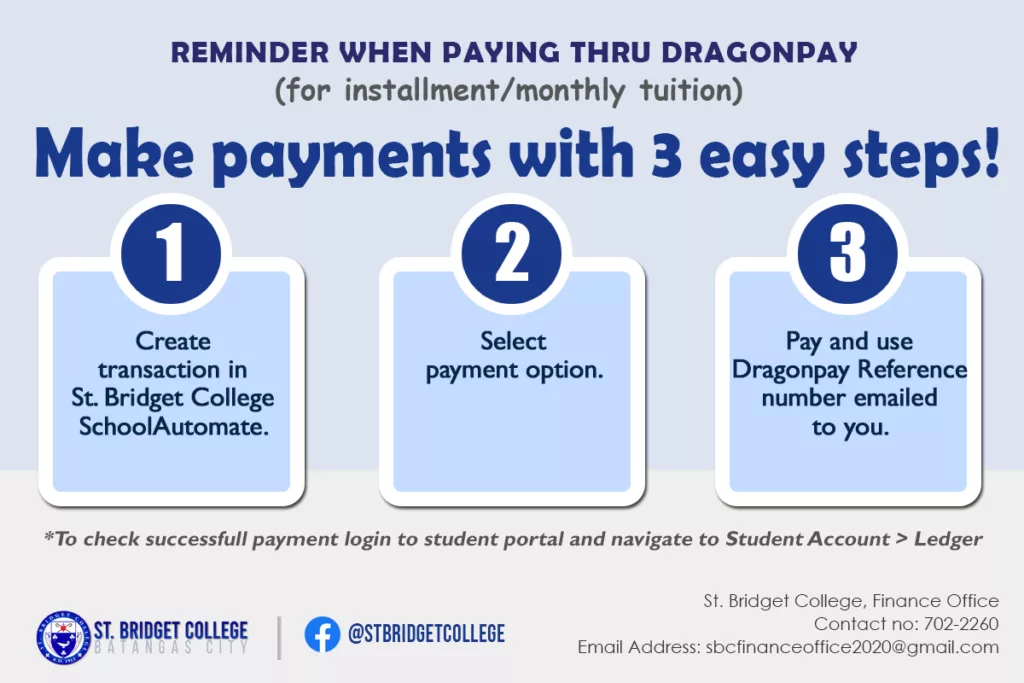
Create transaction in SBC SchoolAutomate. Please login to SBC SchoolAutomate portal (Click here) using your login credentials. Click “Online Payment” Click “Pay Installment Fee” tab. Click your preferred “Pay <month>” button. (Ex. “Pay January”) *a dialog box will appear “Click OK to proceed to Online Payment Gateway. Cancel to stay in this page” select OK. Select payment option. Read all the information and instructions on the screen before you proceed. On the “—SELECT A PAYMENT OPTION—” drop down menu, select your chosen payment option. Tick “I agree to the Terms and Conditions” Click “Select” button. Enter your active email address on the textbox. * This email will receive the complete payment… Read More
Continue Reading
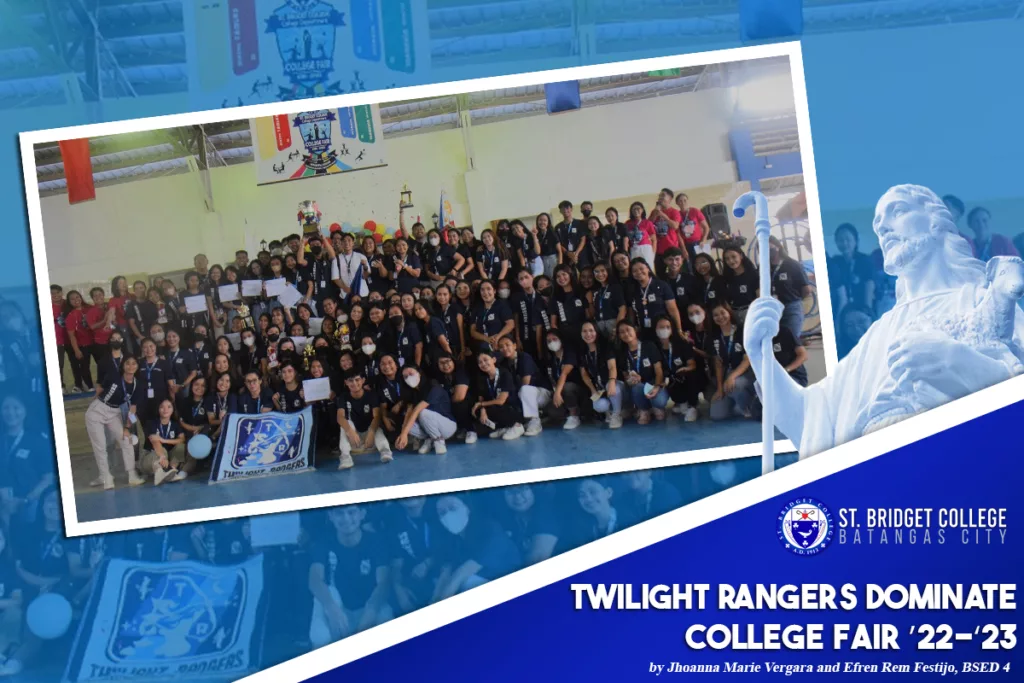
With a total score of 409 points, Twilight Rangers or the third year students, evolved as the College Fair Grand Champion for SY 2022-2023. This year was no exception as they celebrated it face-to-face on December 12-16, 2023, at St. Bridget College Batangas, Gym. Celestial Guardians, fourth year students, claimed the first runner up title while Lightborn Chevaliers, first year students, and Dragon Tamers, second year students, claimed the third and fourth runner up titles, respectively. The theme of the event, “Immortal Heroes: Legends are born, Champions are made”, was drawn from the popular game Mobile Legends, in which the Mobile Legend skins—Lightborn Chevaliers, Dragon Tamers, Twilight Rangers, and Celestial… Read More
Continue Reading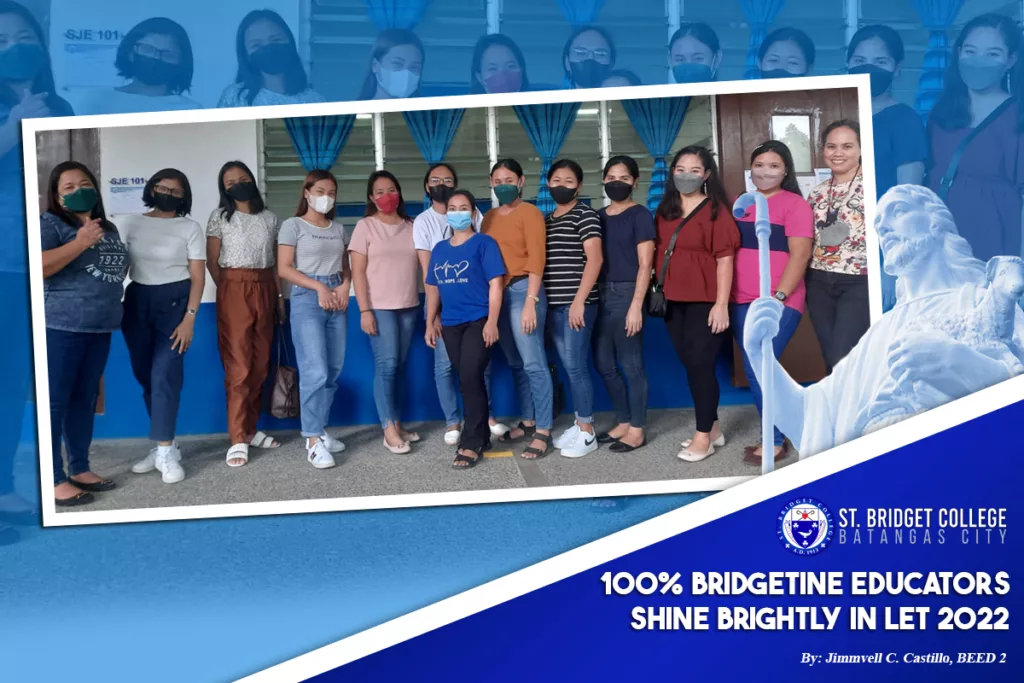
St. Bridget College, once again, proved that it is a home for best educators in the province as 13 out of 13 Batch 2020 BEED graduates passed the October 2022 Licensure Examination for Teachers, October 2, 2022. One hundred percent passing rate was garnered by the 13 new Licensed Professional Teachers. Moreover, a total of 49,783 out of 91,468 LET takers passed the Licensure exam for the Elementary Level with a passing rate of 54.43%. Ailyn Mangubat, Airamae Caraan, Beth Antenor, Cyndi Fajilan, Eden Arcayos, Floryn Mae Macalalad, Jenealyn Bejasa, Kareen Gayoso, Mary Ann Perina, Leny Panganiban, Vanessa Manalo, Jochelle Briones and Eloisa Dimacuha were the 13 LET takers who… Read More
Continue Reading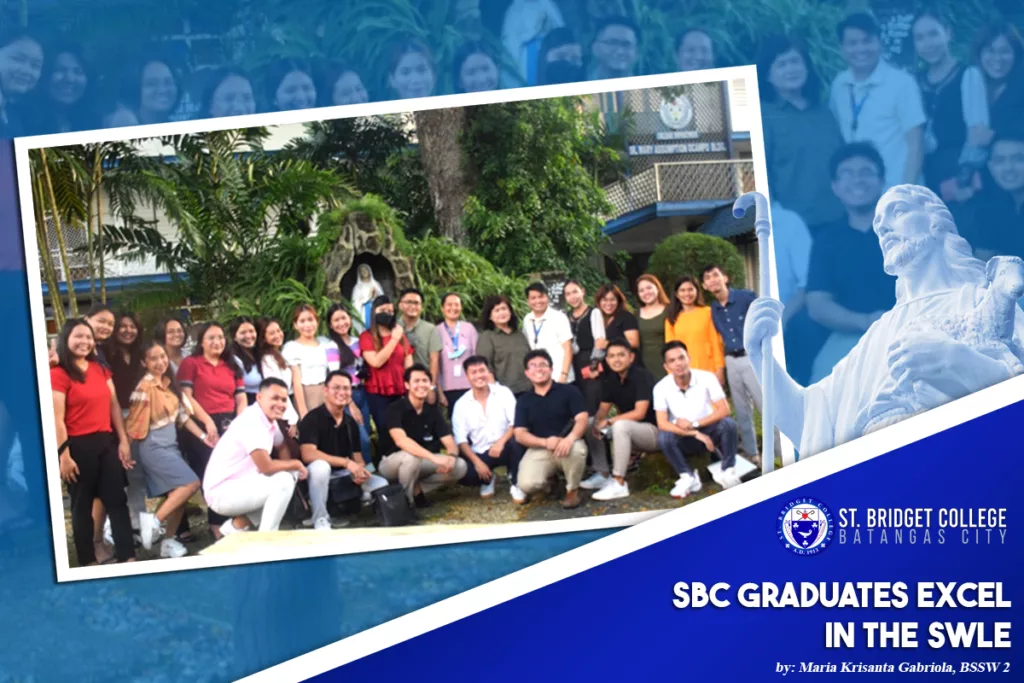
Bridgetine Social Workers emitted radiant light as they excelled in the Social Work Licensure Examination held on September 19–21, 2022. Among all the Bridgetine exam takers, St. Bridget College made it with a high passing percentage as the school garnered 84.38% with its 27 newly Registered Social Workers. Based on the press release, The Professional Regulation Commission (PRC) announced that 2,955 out of 4,723 (62.75%) passed the examination nationwide. To congratulate the board takers as part of their tradition, the Sangguniang Gabay ng Panlipunang Paglilingkod (SGPP) held a Thanksgiving Celebration on the 5th day of October 2022. The LESW passers shared their journey as Bridgetine students to becoming an RSW by… Read More
Continue Reading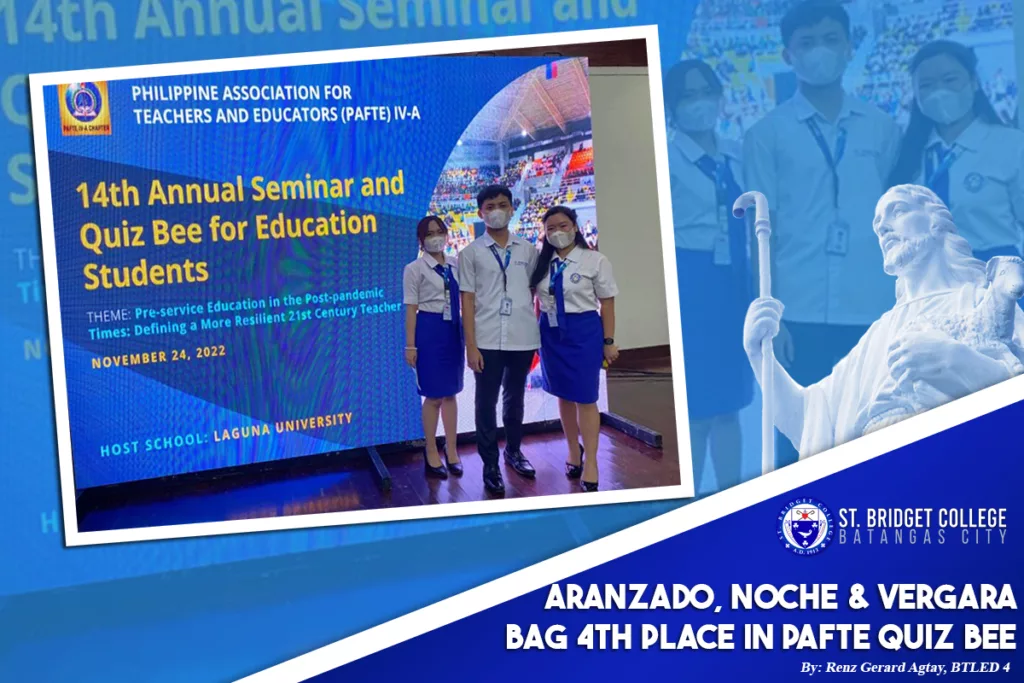
Three aspiring Bridgetine educators, Jhoanna Marie B. Vergara from BSED 4, Frances Margarette D. Aranzado and Raymond Joseph Noche, both from BEED 4, ranked fourth out of 48 educational institutions around the region in the 14th Annual Seminar and Quiz Bee for Education Students facilitated by the Philippine Association for Teachers and Educators (PAFTE) IV-A, held at Cultural Center of Laguna, Santa Cruz, Laguna, November 24, 2022. With the theme, “Pre-service Education in the Post-pandemic Times: Defining a More Resilient 21st Century Teacher”, the event was hosted by Laguna University. The PNU-South Luzon garnered the highest points, twenty-six out of thirty, bagging them the top spot while UPSHL- Binan bagged… Read More
Continue Reading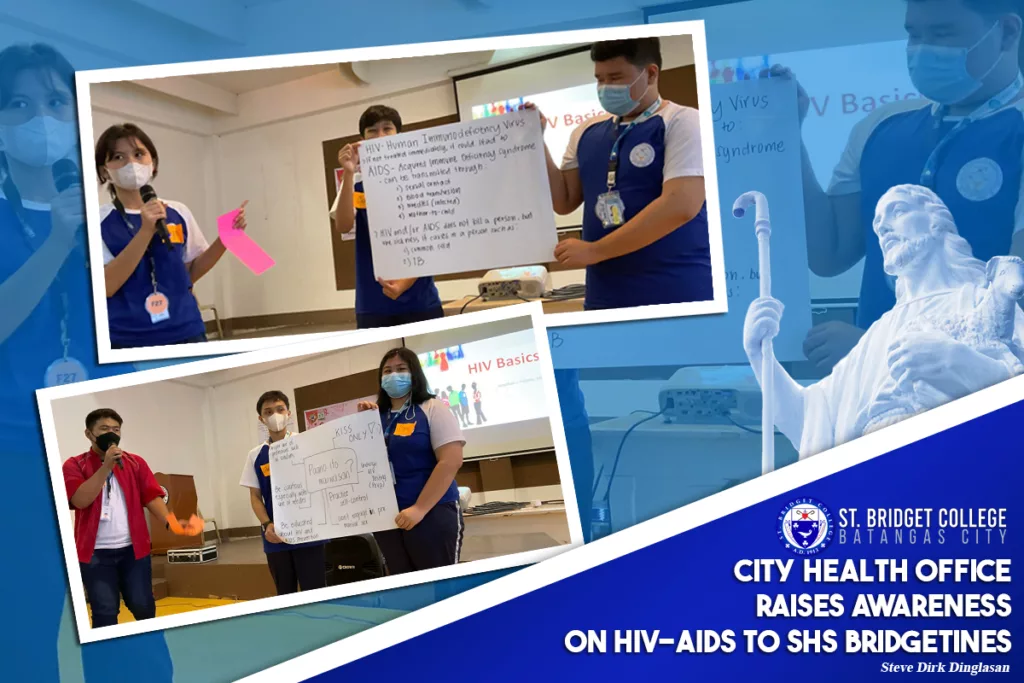
In line with World AIDS Day 2022 commemoration, the Batangas City Health Office conducted a seminar on Senior High School student-leaders that aims to raise awareness on youth about the sexually-transmitted diseases, mainly Human Immunodeficiency Virus infection (HIV) at Acquired Immune Deficiency Syndrome (AIDS) last December 7. Aligned to the theme of this year’s event, “End HIV, Act for Equality para sa Healthy Pilipinas”, officers of the City Health Office (CHO) shared their respective knowledges regarding the said sexually-transmitted diseases. The lecture kicked off with a pretest about HIV and AIDS to assess the students’ preliminary knowledge about HIV and AIDS. After this, the questions were elaborated and the seminar… Read More
Continue Reading